Stay ahead of the game

Sign up for our newsletter to receive the latest digital marketing strategies and insights for the month ahead, delivered straight to your inbox!

    Microsoft Ads Credits: How New Advertisers Claim Free Credit

    TikTok Ads

    Most new advertisers assume Microsoft ads credits work like a coupon code at checkout: enter it, get a discount, done. They don’t. It’s matched spend with a 90-day expiration clock that starts the moment the credit is awarded, not when you notice it.

    Here’s the number worth anchoring on: Bing users spend meaningfully more per online purchase than average search traffic, and Microsoft’s search advertising revenue has climbed past $13 billion annually. The audience and the intent are both real. What trips up new advertisers isn’t the platform, it’s a quiet default setting most people never touch.

    This is the default effect in action. Behavioral research consistently shows people rarely override a pre-set default, even when a five-second change would clearly benefit them. Microsoft Advertising accounts default to a billing configuration that most new advertisers never check, and getting that one setting wrong is the single most common reason a valid credit claim fails silently.

    Here’s exactly what a Microsoft ads credits offer includes, what “new account” actually means, and how to claim it without losing it to a setting you never looked at.

    Table of Contents

    What Counts as Microsoft Ads Credits

    Microsoft ads credits are matched promotional advertising funds added directly to a Microsoft Advertising account. You spend a qualifying amount on real campaigns first, Microsoft applies the credit automatically, and it offsets future ad charges dollar-for-dollar until exhausted or expired.

    Per Microsoft’s own offer terms, once a customer completes new customer account setup and spends at least the qualifying amount on advertising charges excluding taxes, the promotional credit is automatically applied toward additional advertising spend thereafter, until credit is exhausted or the offer expires. Microsoft Advertising

    Two things distinguish this from a simple discount:

    • It’s not applied at checkout. There’s no code you enter to get money off a purchase. The credit sits in your account balance and offsets charges as campaigns run.
    • It has its own expiration, separate from the earning period. Per Microsoft’s terms, any portion of the credit not used within ninety days of credit award will expire and cannot be carried over or restored, even if you switch payment methods. Microsoft Advertising
    Microsoft Ads

    The Official 2026 Offer and Its 90-Day Catch

    Microsoft’s standard 2026 new-customer offer runs on a straightforward match: spend at least $250 on advertising charges, and Microsoft applies a $500 promotional credit automatically toward additional advertising spend. That’s a 2:1 match, not a 1:1 dollar match like some competing platforms, meaning $250 of real spend turns into $750 in total working budget. Microsoft Advertising

    Three terms determine whether that credit actually gets used:

    The 90-day usage clock starts at credit award, not at qualifying spend. If it takes you three weeks to ramp campaigns after the credit lands, that’s three weeks gone from a 90-day window you can’t extend.

    Billing configuration changes how the qualifying spend is processed. Per Microsoft’s terms, prepay accounts have the qualifying spend deducted directly from prepay funds, while postpay threshold accounts have the primary payment method charged once the account threshold is met. Confirming which billing type your account uses before you start spending avoids confusion about whether your spend is actually counting. Microsoft Advertising

    The offer can be revoked for non-eligibility at any point. Per the terms, if the customer does not meet eligibility requirements, Microsoft Advertising will revoke the offer. Microsoft Advertising

    For the full eligibility framework behind this offer, Adcore’s Microsoft Ads 2026 Q&A answers over 100 of the most common questions new advertisers ask before claiming.

    What “New Account” Actually Means

    Eligibility hinges on one definition, and it’s stricter than most advertisers assume. Per Microsoft’s terms, a new Microsoft Advertising customer is one that has not had an active Microsoft Advertising account before, and the offer is valid only for first party recipients of the offer, limited to one promotional offer per new customer. Microsoft AdvertisingMicrosoft Advertising

    A few practical consequences of that definition:

    • A dormant old account still disqualifies you. “New” means never active, not “inactive for a while.” Reactivating an old account doesn’t reset eligibility.
    • The offer isn’t stackable. Per Microsoft’s terms, it may not be combined with any other offer, promotional code, coupon, or discount. Microsoft Advertising
    • Spend on other platforms doesn’t count. Per the terms, the offer may not cover spend accrued on campaigns run on Google Ads and Facebook Ads, even if that spend happens to sync into the same reporting dashboard. Microsoft Advertising

    If any of these disqualify your current setup, that’s worth knowing before you spend a dollar chasing a credit that was never going to apply.

    Microsoft Ads

    How to Claim It Without Losing It to Billing Setup

    Claiming the credit itself is simple. Losing it to an overlooked setting is the actual risk.

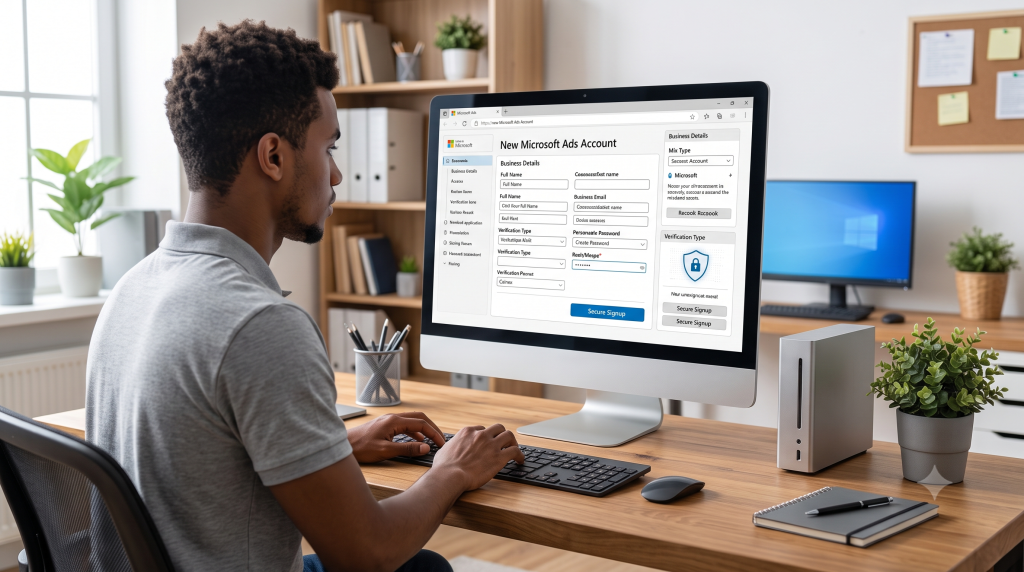
    Step 1: Add a payment method before doing anything else. A primary payment method must be on file to redeem the offer at all.

    Step 2: Confirm your billing type. Check whether your account is set to prepay or postpay under Billing & Payments, since this determines how your qualifying spend gets processed, not whether the offer applies.

    Step 3: Spend the qualifying amount on real Microsoft Ads campaigns. Not Google Ads, not Facebook Ads, spend has to happen on the Microsoft Advertising platform itself to count.

    Step 4: Track the credit and its expiration under Billing & Payments → Promotion codes. Once applied, the 90-day clock is running whether you’re actively spending or not.

    This is where the default effect costs people the most. Nobody actively decides to ignore their billing type, they just never open the menu that shows it. A five-minute check before spending avoids the entire problem.

    The Higher-Value Path: Partner Credit Up to $1,000

    Microsoft’s public $500 offer isn’t the only ceiling available. Advertisers registering through an Elite Microsoft Advertising Partner can access a higher-value promotional code, up to $1,000 in credit, tied to the same matched-spend mechanic but at a more favorable ratio.

    Adcore has held Elite Microsoft Partner status since 2017, which carries access to promotional codes not distributed through the standard public offer. Adcore’s Couponer app generates a personalized code for a new Microsoft Advertising account in three steps, with no manual application or approval process required beyond meeting the standard new-account eligibility rules above.

    If your team is setting up a new Microsoft Ads account and wants to confirm which promotional code tier applies before you register, that’s the kind of account setup question worth routing through Media Blast alongside your campaign build, rather than leaving on the table by defaulting to the standard public code.

    Microsoft ads credits reward attention to two things most advertisers skip past: the billing default that determines how spend gets counted, and the 90-day clock that starts the moment the credit lands, not when you notice it. Get both right, and a $250 spend becomes a $750 testing budget.

    If you’re setting up a new Microsoft Advertising account this month, it’s worth confirming whether you qualify for the standard $500 offer or a higher partner-tier code before you spend the first dollar.

      Get exclusive CMO tips that I only share with email subscribers.

      Add Your Heading Text Here

      Share this article
      Back to top